Open the return menu in the KEY MOVEMENTS module, or press F6. You can search by personnel or by the issued key. Enter the key holder's name in NAME – 1 (first few letters are enough) and click SEARCH FOR KEY or SEARCH FOR PERSON.
A results list appears.
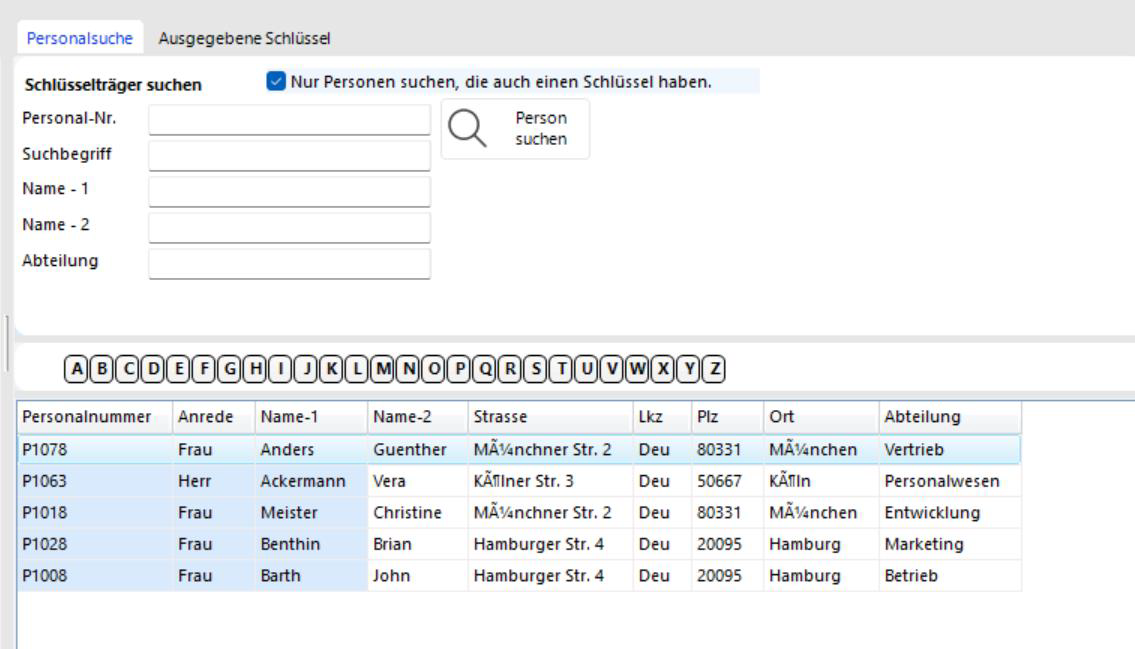
Find the key holder and drag them to the RETURN button (DRAG & DROP), or right-click and select RETURN. The KEY MOVEMENTS window opens.
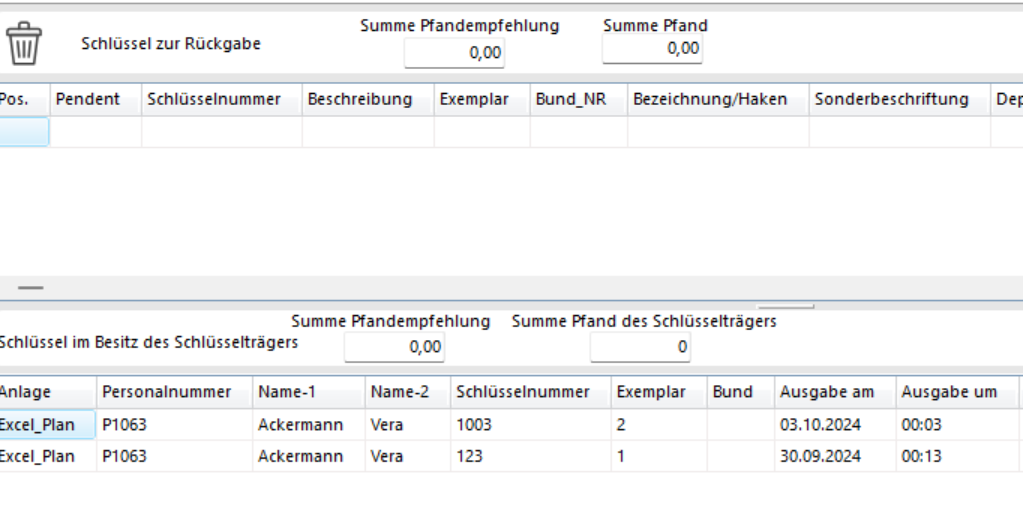
The key holder's data is already filled in. The keys currently held by the key holder appear at the bottom. Double-click the key to return. It is added to the middle section as KEY FOR RETURN.
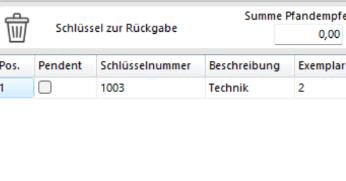
If you accidentally selected the wrong key, click REMOVE ITEM FROM LIST (trash icon) to remove it from the return list.

Post the return by clicking BOOK.