The key transfer function is designed for situations where a key holder is responsible for multiple keys — for example, a head teacher or department manager. Instead of returning each key individually and re-issuing to the next person, this function handles everything in a few steps. In the booking history, portier®VISION records the transfer correctly as a return from Person A and an issuance to Person B. Both persons receive a receipt.
How to proceed:
Start a return for the person who currently holds the keys.
Select all keys to transfer, or only those you want to move. In the return form, find the Transfer symbol on the far right.

Click it. In the search form, find the new key holder. Once selected, portier®VISION shows the planned transfer:
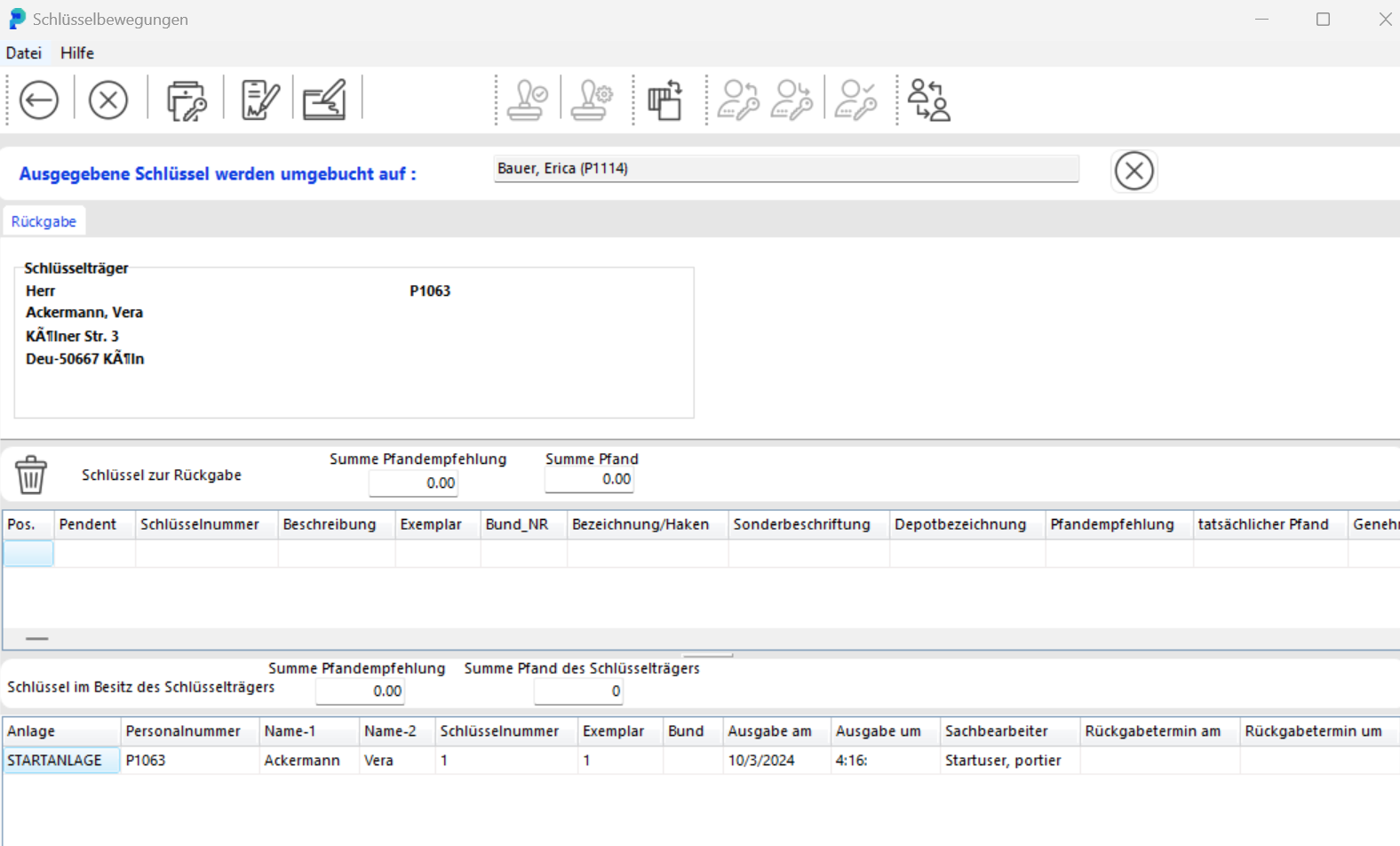
You can still cancel using the white X on a red background on the right.
Click the disk icon to confirm. Confirm once more, and portier®VISION immediately generates two receipts:
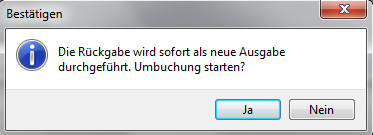
A return receipt for the previous key holder
An issuance receipt for the new key holder
In the database, the transfer is recorded as a return from Person A and a new issuance to Person B.