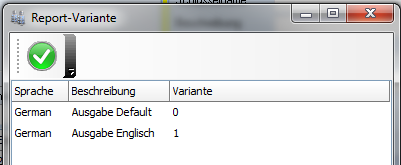
Whenever you print something during daily work with portier®VISION
(e.g. an issuance receipt, a loss report, a query result), you are working with predefined reports.
To see which reports portier®VISION provides, go to the menuSystem and selectReport Designer.
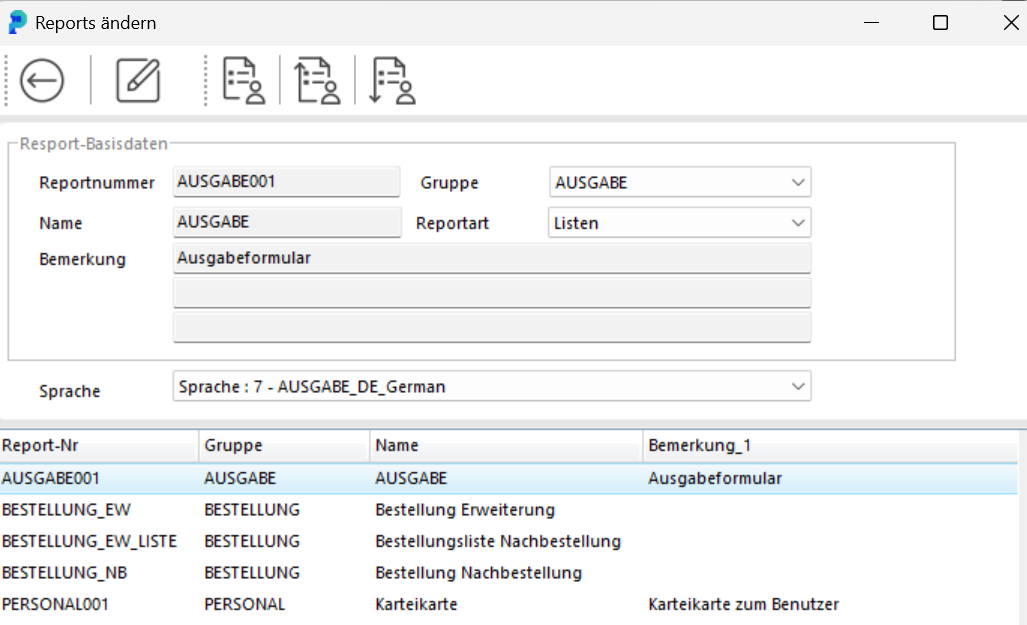
Depending on your program version, you can also design these reports yourself. This requires portier®PLUS or portier®PRO.
If you would like to customize reports to your company-specific needs, we are happy to connect you with an external service provider.
From version 4 onwards, it is now also possible to have different forms available for a process. For example, if your company has a branch in Germany and one in the UK, you can prepare one form in German and one in English.
How do you proceed?
Select Print -> Edit Reports.
Search for the issuance form:
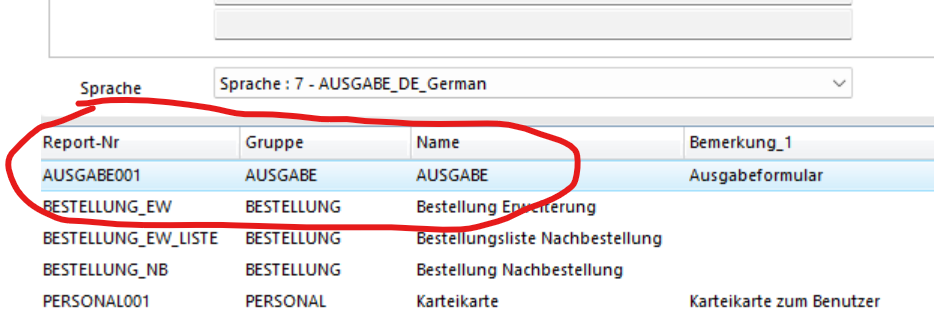
Then select Edit.
You will automatically enter the window with the report variants:
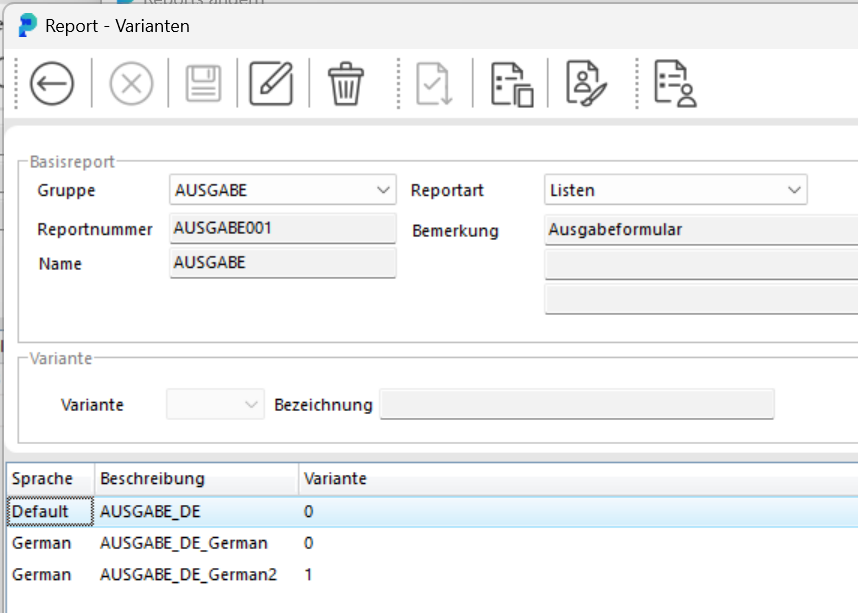
Select the German form by clicking on it.
New are the three icons at the top center:
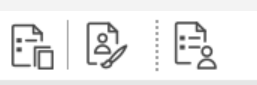 With the first icon, you duplicate the German form – you now need to give the duplicate a name, let’s call it "Issuance-MANUAL
Confirm the creation of a duplicate with this name by clicking the checkmark. It immediately appears in the list:
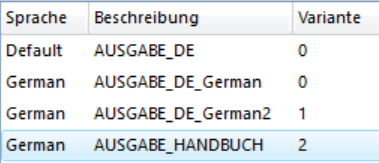
Select this "new" form and choose the second new icon with the paintbrush:Report Design. The List & Label list designer opens.
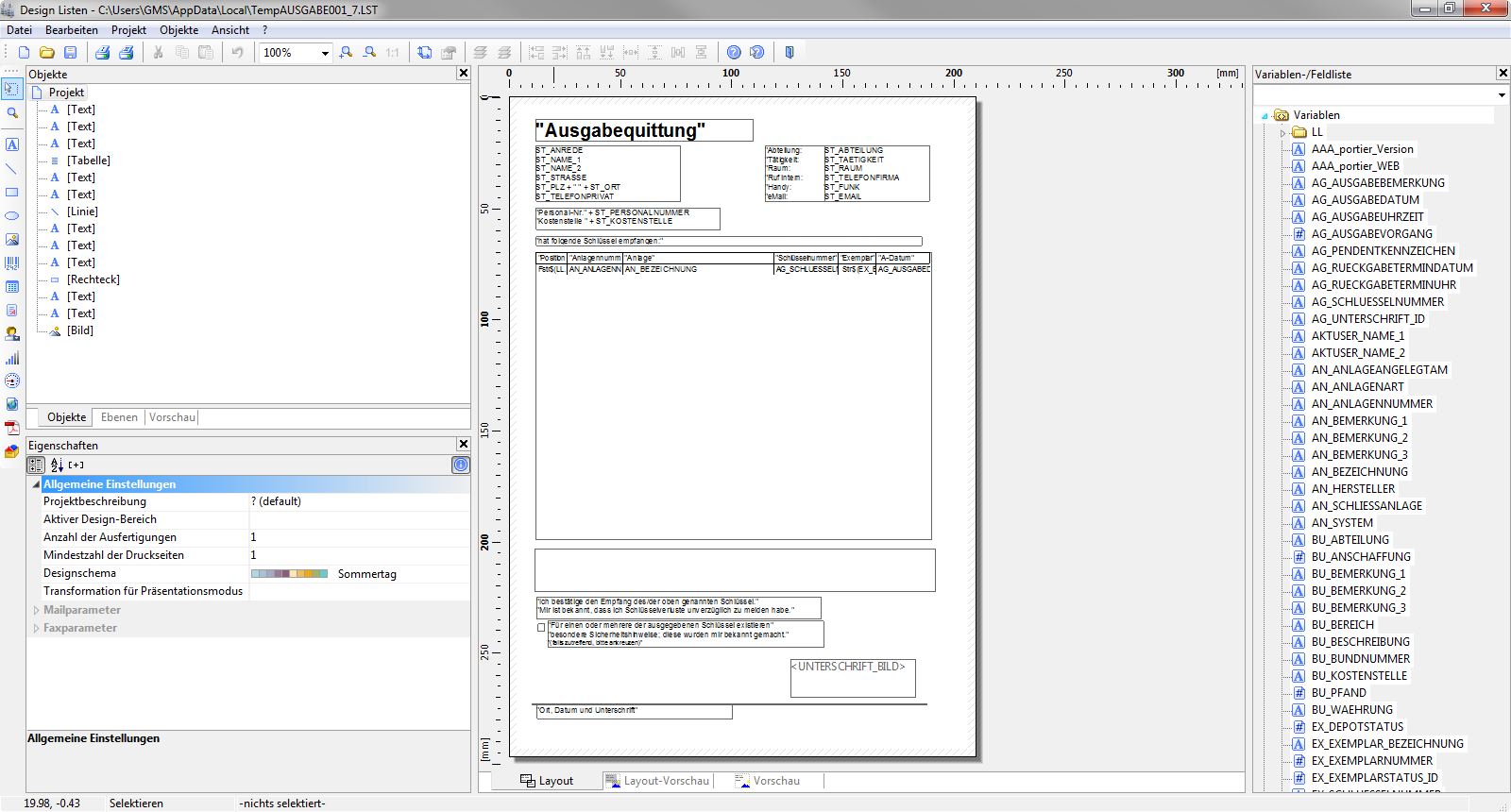
Instructions for using this list designer can be found in the manual via the Help icon in the Report Designer.
You can now prepare the form for English-speaking recipients and save it. From now on, a dialog will be shown with each issuance offering you all available issuance forms for printing.