Click KEY LOSS in the toolbar or press F7.
The KEY MOVEMENTS – LOSS window opens.
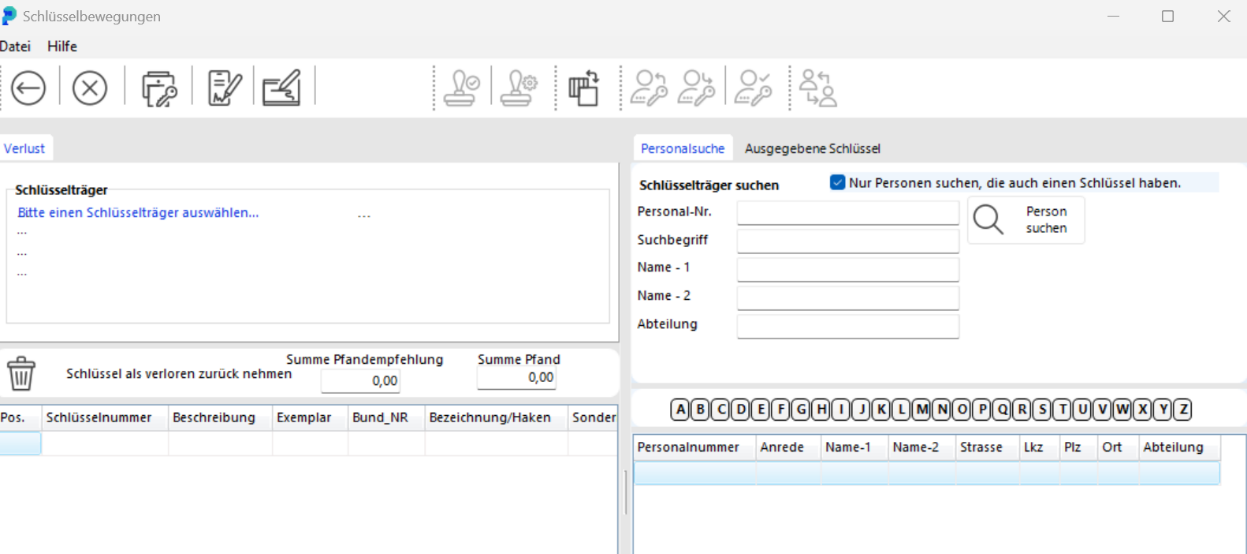
Enter the first letters of the key holder's last name in NAME – 1. Click SEARCH FOR PERSON to see the results list.
Alternatively, search by key number: click the ISSUED KEYS tab, enter the key number, then click SEARCH FOR KEY to see all key holders who have a copy of that key.
At the bottom of the window, double-click the key holder. Their data is loaded.

Double-click the lost key. It moves to the KEYS RETURNED AS LOST list.
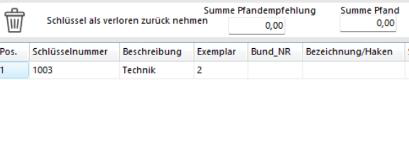
If you accidentally selected the wrong key, click REMOVE ITEM FROM LIST to remove it from the loss list.

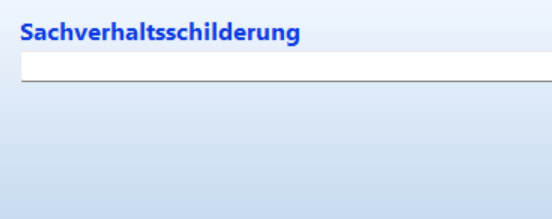
In the ACCOUNT OF CIRCUMSTANCES field, record how the loss occurred. This is printed on the form but not saved in the database.
Post the loss report by clicking BOOK.

Click KEY MOVEMENTS in the toolbar or press F8. The KEY MOVEMENTS window opens.
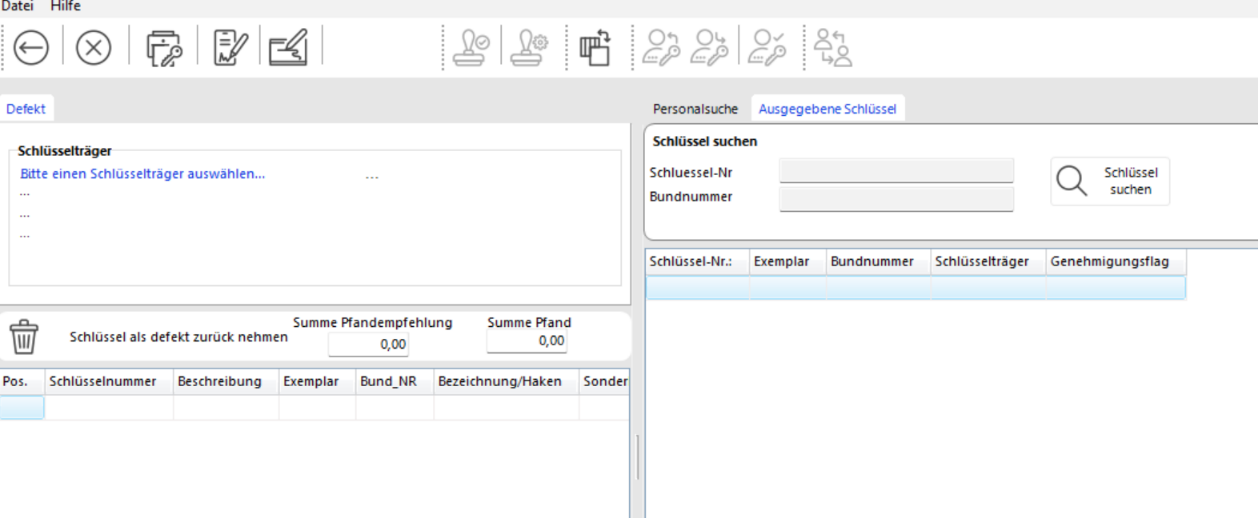
Follow the same steps as for a key loss. The key receives the status Damaged.