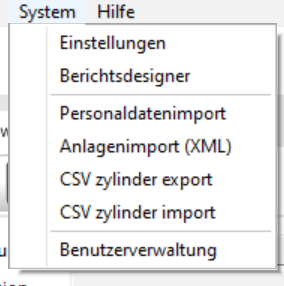
 In the moduleSystem click on the buttonUser Management.
Existing users are displayed by clicking the buttonMagnifying Glass.
To create a new user, click on the toolbar buttonPLUS
The windowUser opens.
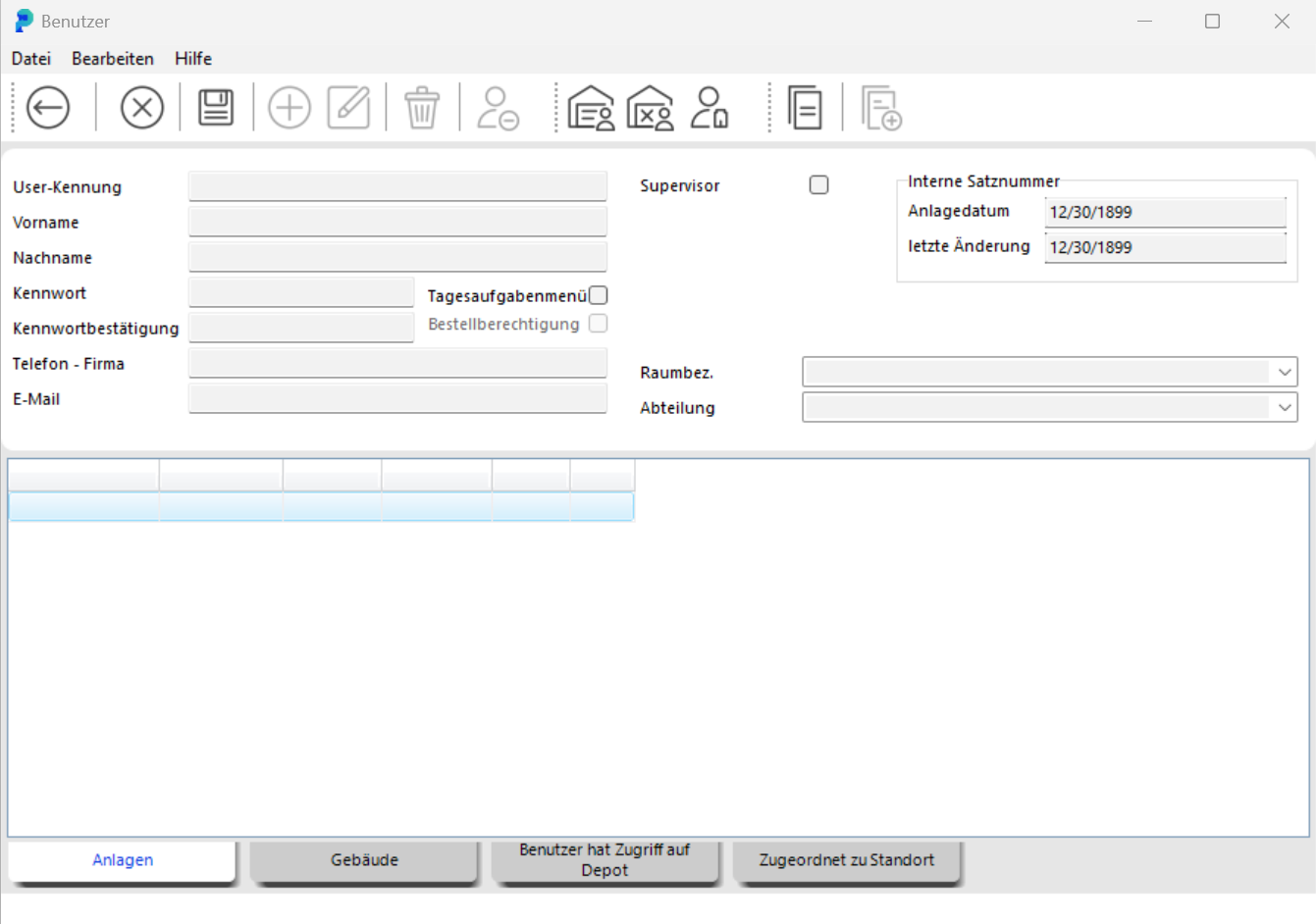
Here you enter the data for the new user.
When you save your entry, you will be prompted to assign permissions to the user via role assignments.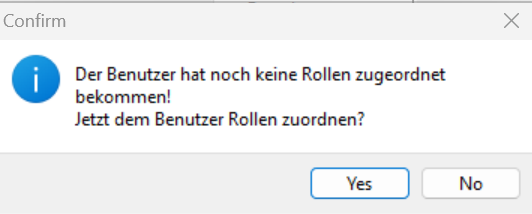
Confirm this prompt with Yes and you will reach the following screen:
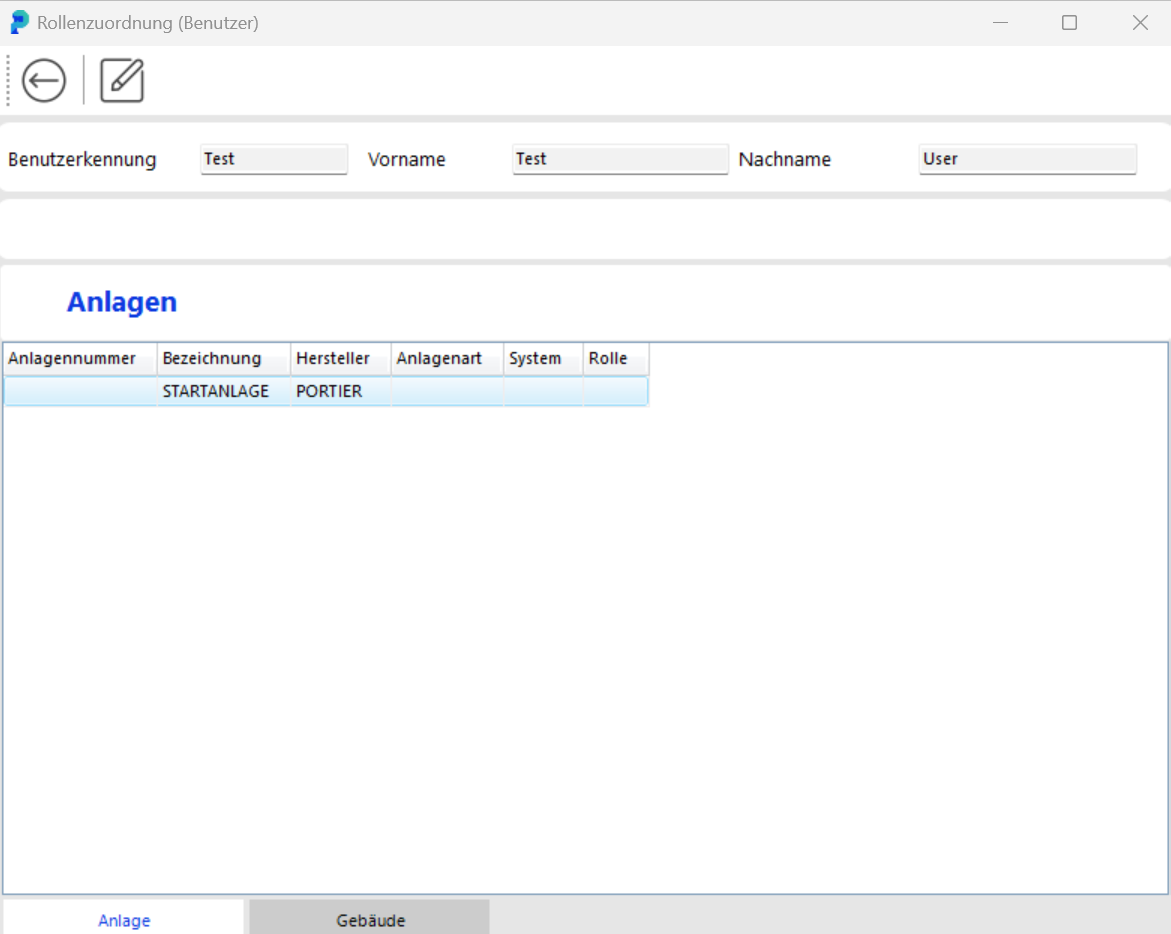
Select the facility in the list for which the user should receive permissions and then choose Edit. You can now assign the appropriate role.
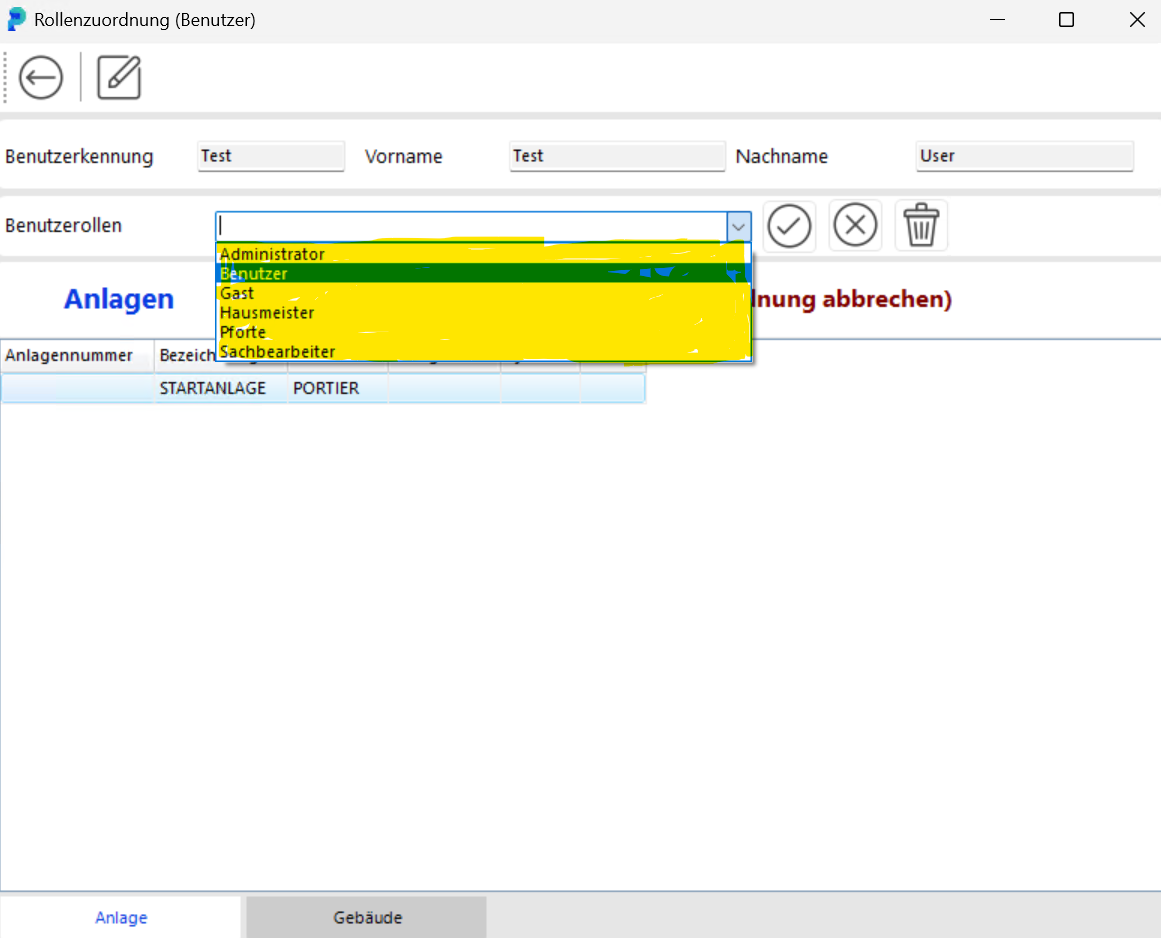
This is immediately displayed in the list (here Clerk and Guest):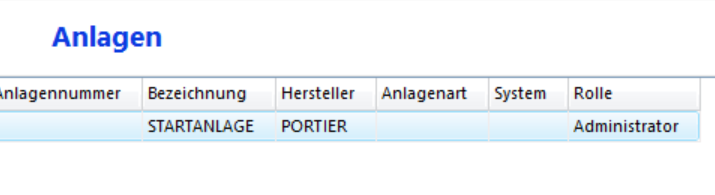
Follow the same procedure for buildings. Then leave the screen.
In the tabsBuildingsandFacilities you can see which locking system in which building the user has access to.
If you need to create multiple users, you can copy a previously defined user.
With the two icons, you copy the user and then all their permissions and ROLES.
If a user is defined asSupervisor (check the box), they do not need roles and permissions; the Supervisor always has absolute and overarching permissions.
To edit an existing user, display all users (see above) and double-click on the desired user.
This takes you back to the windowUser, where you can make your changes. Save the changes as described above. To delete aUser, open the user and click the button in the User windowDelete User.
Confirm the security prompt with Yes.
Please note:
In portier®VISION, there is always a user named START with the password START upon delivery. This user START has all conceivable permissions.
In the program, this user is called theSupervisor.
For the security of program usage, you should therefore immediately create yourself as a newSupervisor and thendelete the START user.
Our recommendation:
Create two accounts for yourself:
an everyday account with the roleClerk and another account withSupervisor permissions.
In daily use, always log in with your own name so you can work safely in the program.
Only log in as Supervisor for special cases. This prevents you from accidentally making harmful changes in everyday use; because only theSupervisor(and also theAdministrator) can modify master data, redefine locking functions, and make other critical changes.